Make Your Hostinger Website Accessible
Follow our click-by-click instructions to align your site with WCAG 2.2 Level AA, ensuring it's usable for everyone.
Hostinger Accessibility Checklist
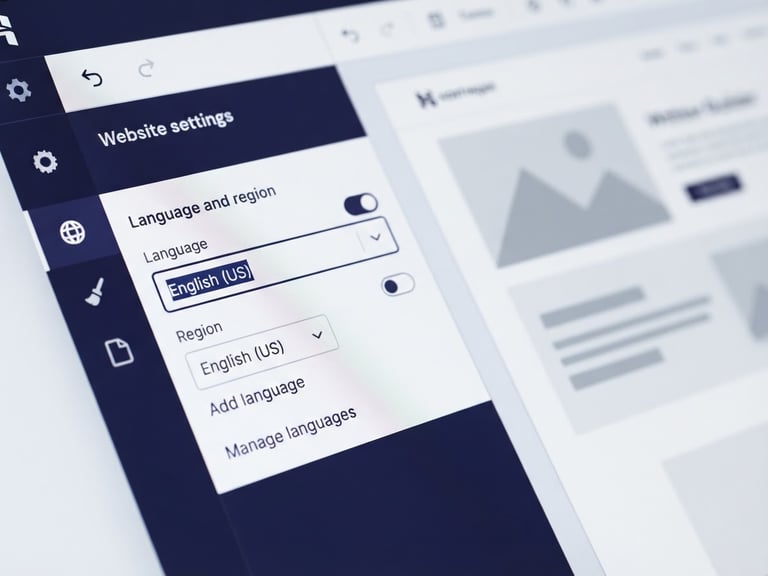
Set Website Language
Structure Headings Logically
Add Descriptive Alt Text
Verify Color Contrast
Ensure screen readers pronounce content correctly by setting your site's language in Hostinger's SEO settings.
Describe images for visually impaired users via Hostinger's Media Library or individual image settings.
Check text and background color combinations to meet WCAG 2.2 Level AA contrast requirements for readability.
Use H1, H2, and H3 tags to organize your content hierarchy, making it navigable for assistive technologies.
Continue Your Accessibility Journey
Explore more guides to refine your website's accessibility and reach a wider audience.
How to Make My Website ADA Compliant
Practical guidance for creating a more accessible website.
Sitemap
Home
Start Here
Checklist
Fix Your Website
Testing Tools
Contact
Get in Touch
info@howtomakemywebsiteadacompliant.com
Plain-language accessibility consulting
Hostinger-specific remediation guides
© 2026 How to Make My Website ADA Compliant-Practical education for an inclusive web.
WCAG 2.2 Level AA Guidance