How to Write Alt Text for Screen Readers
Describe images effectively without jargon. Learn plain-language rules to make your visuals accessible for everyone.


Good vs. Bad Alt Text
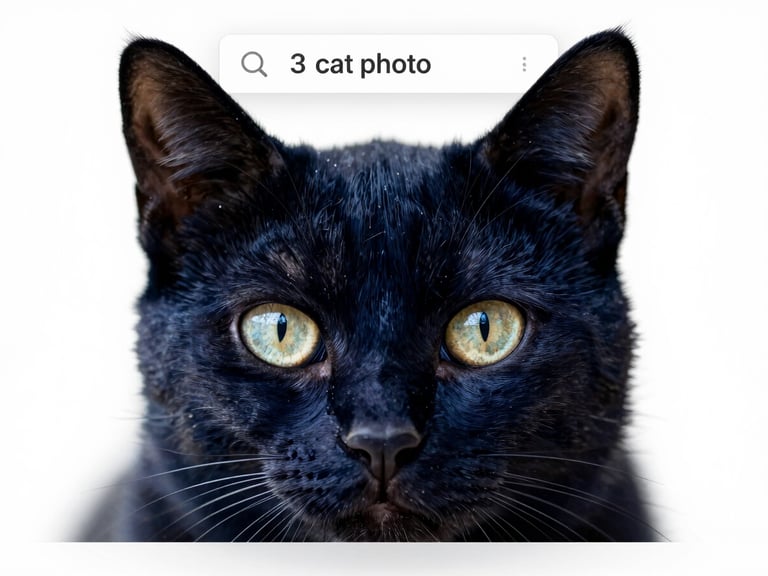
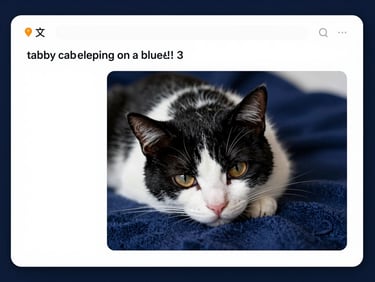
Poor Example: Generic
Avoid generic descriptions. This alt text provides no useful information about the image's content or purpose for a screen reader user.
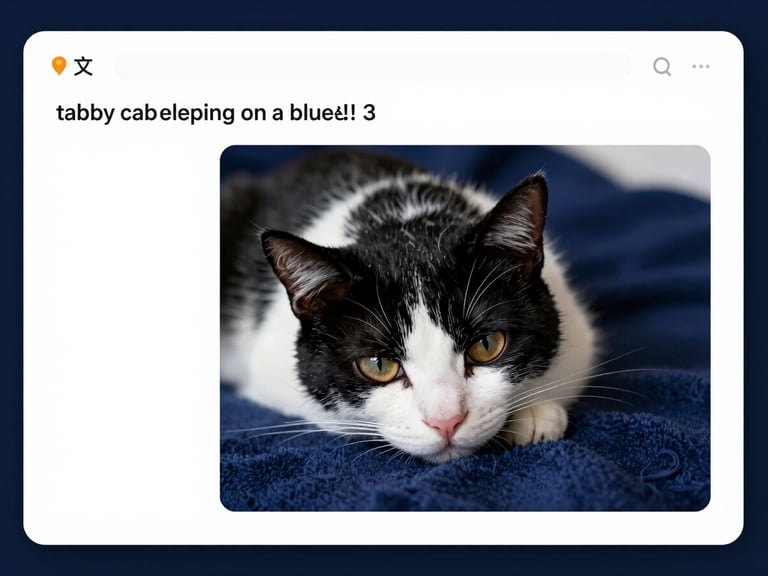
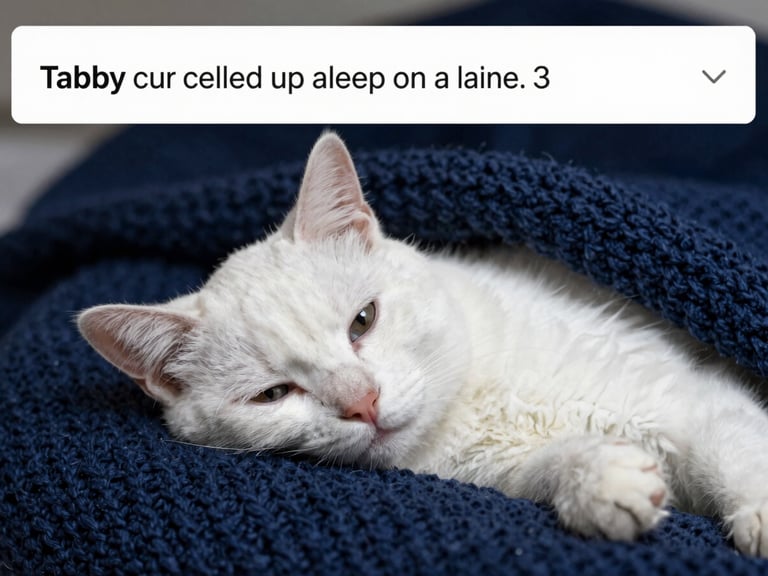
Better Example: Descriptive
Focus on specific content and context. This description is clearer, but could still be more concise and purpose-driven for a screen reader.
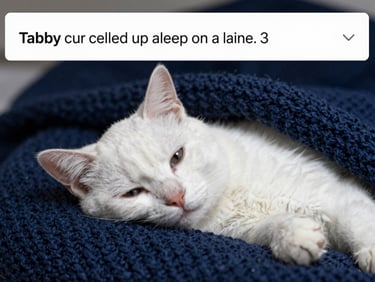
Best Example: Purposeful
Prioritize purpose and brevity. Screen readers convey exactly what's needed without redundant phrases like 'image of' or 'picture of'.
Decorative Images: Empty
Decorative images that add no meaning should have empty alt text (alt=""). Screen readers will skip them automatically, reducing clutter.
Verify Your Accessibility Changes
After updating your alt text, use our testing tools to ensure your website is truly accessible for everyone.
How to Make My Website ADA Compliant
Practical guidance for creating a more accessible website.
Sitemap
Home
Start Here
Checklist
Fix Your Website
Testing Tools
Contact
Get in Touch
info@howtomakemywebsiteadacompliant.com
Plain-language accessibility consulting
Hostinger-specific remediation guides
© 2026 How to Make My Website ADA Compliant-Practical education for an inclusive web.
WCAG 2.2 Level AA Guidance