Fix Your Website, Permanently
Stop relying on temporary overlays. Learn to implement real, lasting accessibility improvements directly in your website builder, step-by-step.
Actionable Guides for Real Progress
Each guide provides clear, click-by-click instructions to address common accessibility barriers on your website. Start with Hostinger or a core WCAG topic.
Write Effective Alt Text
Structure Content with Headings
Master Keyboard Navigation
Hostinger Accessibility Guide
Learn to describe images clearly for screen readers, improving comprehension for all users and search engines.
Organize your page logically with proper heading hierarchy for better navigation, SEO, and screen reader flow.
Ensure all interactive elements are accessible and usable without a mouse, critical for many assistive technologies.
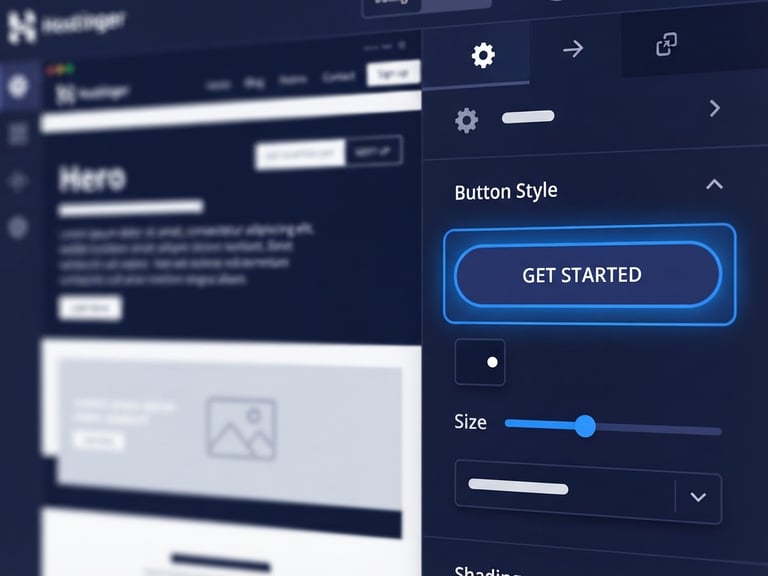
Specific instructions to make your Hostinger website accessible, from settings to content, click-by-click.
Get a Professional Accessibility Review
For complex sites or comprehensive assurance, our experts provide detailed audits and remediation plans tailored to your specific needs.
How to Make My Website ADA Compliant
Practical guidance for creating a more accessible website.
Sitemap
Home
Start Here
Checklist
Fix Your Website
Testing Tools
Contact
Get in Touch
info@howtomakemywebsiteadacompliant.com
Plain-language accessibility consulting
Hostinger-specific remediation guides
© 2026 How to Make My Website ADA Compliant-Practical education for an inclusive web.
WCAG 2.2 Level AA Guidance